List modules
The nf-core modules list command provides the subcommands remote and local for listing modules installed in a remote repository and in the local pipeline respectively.
Both subcommands allow you to use a pattern for filtering the modules by keywords, for example nf-core modules list <subcommand> <keyword>.
List remote modules
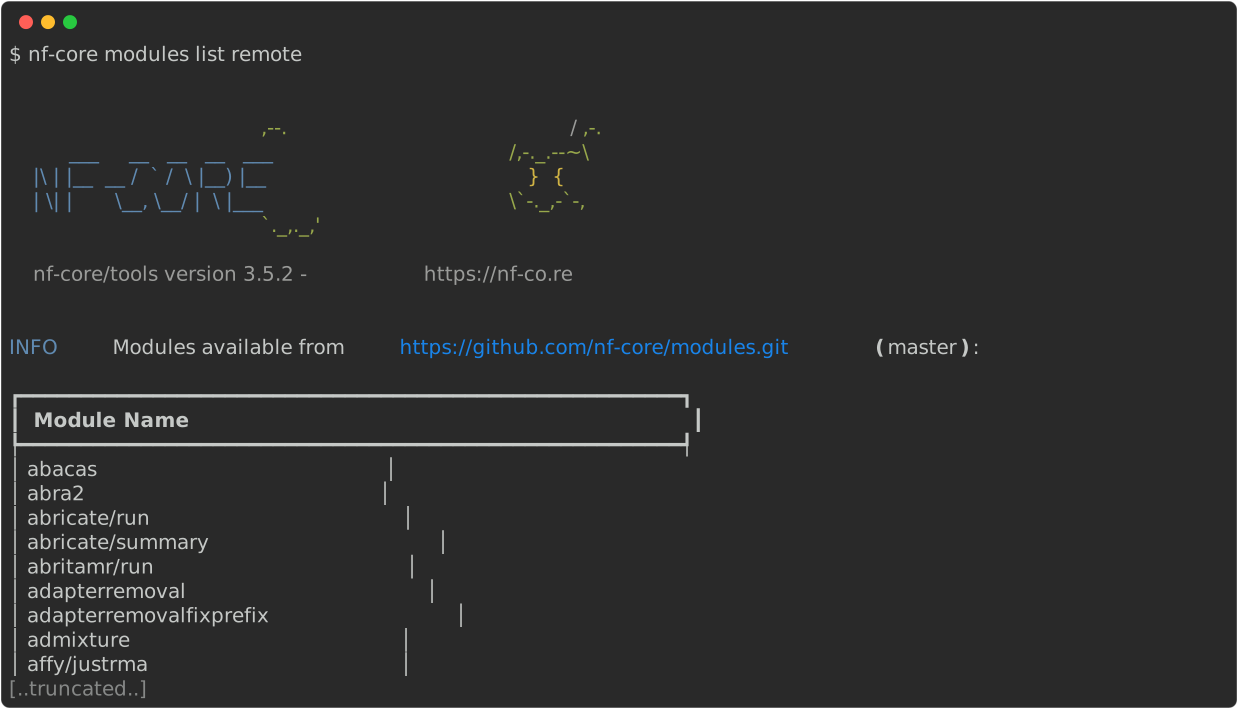
To list all modules available on nf-core/modules, you can use
nf-core modules list remote, which will print all available modules to the terminal.
List installed modules
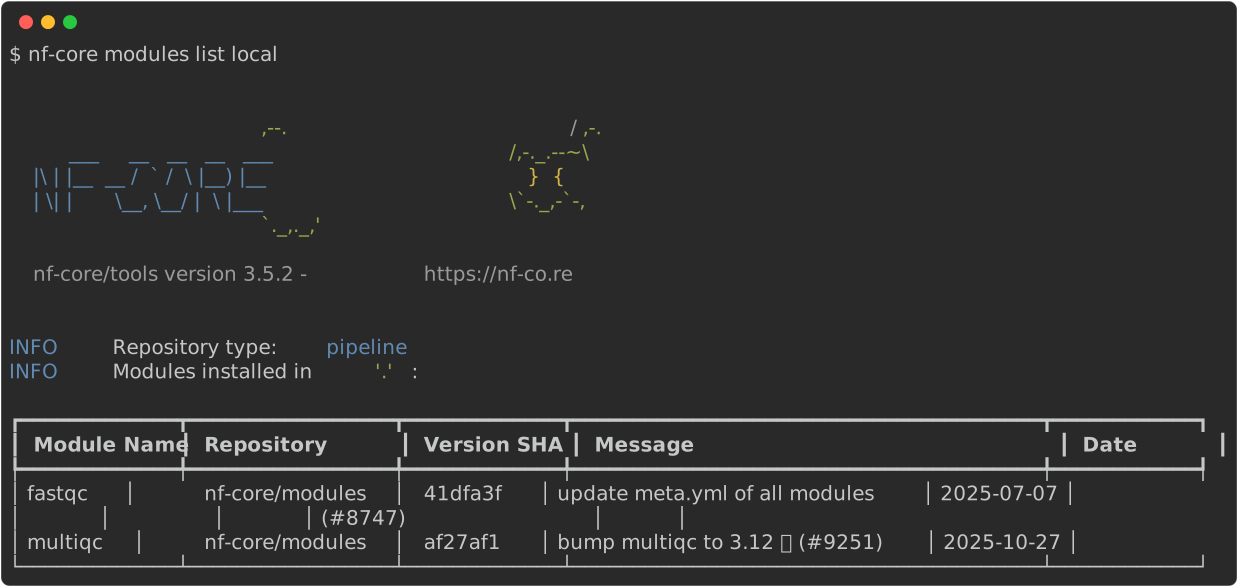
To list modules installed in a local pipeline directory you can use nf-core modules list local.
This will list the modules installed in the current working directory by default.
If you want to specify another directory, use the --dir <pipeline-dir> flag.