Pipeline schema
nf-core pipelines have a nextflow_schema.json file in their root that describes the workflow parameters.
These files enable automated input validation, generate command line help, and build interfaces to launch pipelines.
Pipeline schema files follow the JSONSchema specification (Draft 7).
To help developers working with pipeline schema, nf-core tools has three schema sub-commands:
nf-core pipelines schema validatenf-core pipelines schema buildnf-core pipelines schema docsnf-core pipelines schema lint
Validate pipeline parameters
Nextflow can take input parameters in a JSON or YAML file when running a pipeline using the -params-file option.
This command validates such a file against the pipeline schema.
Run nf-core pipelines schema validate <pipeline> <parameter-file>, for example with the pipeline downloaded above:
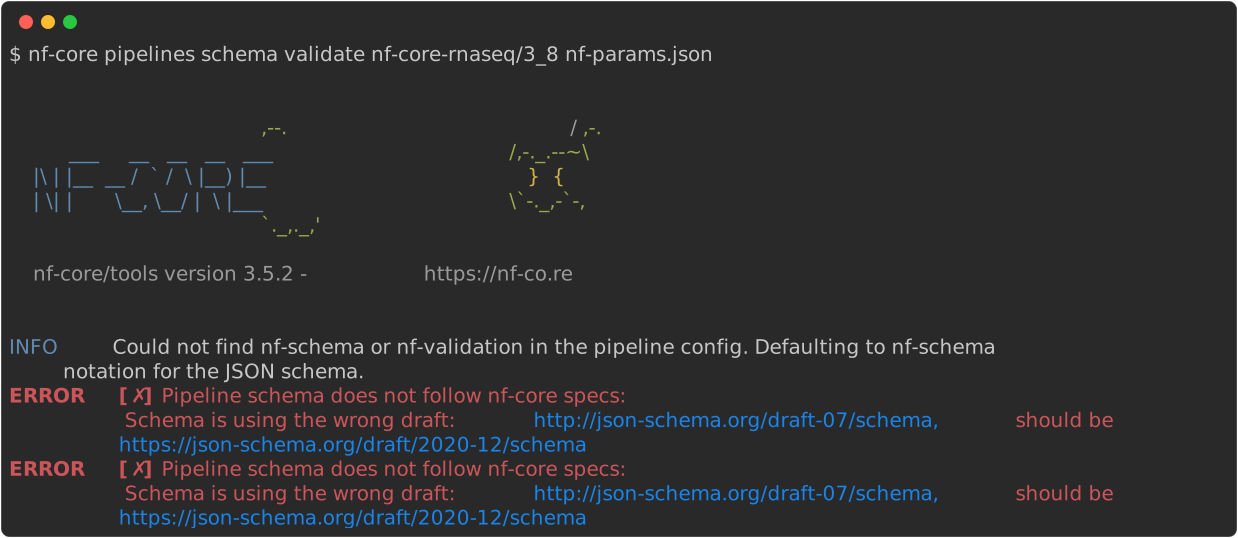
The pipeline option can be a directory containing a pipeline, a path to a schema file or the name of an nf-core pipeline (which will be downloaded using nextflow pull).
Build a pipeline schema
Manually building JSONSchema documents is complex and error prone.
The nf-core pipelines schema build command collects your pipeline parameters and provides interactive prompts about any missing or unexpected parameters.
If no schema exists, it will create one for you.
Once built, the tool can send the schema to the nf-core website where you can use a graphical interface to organise and fill in the schema. The tool checks your schema status on the website and saves your changes locally once complete.
Run nf-core schema build -d <pipeline-directory>, for example:
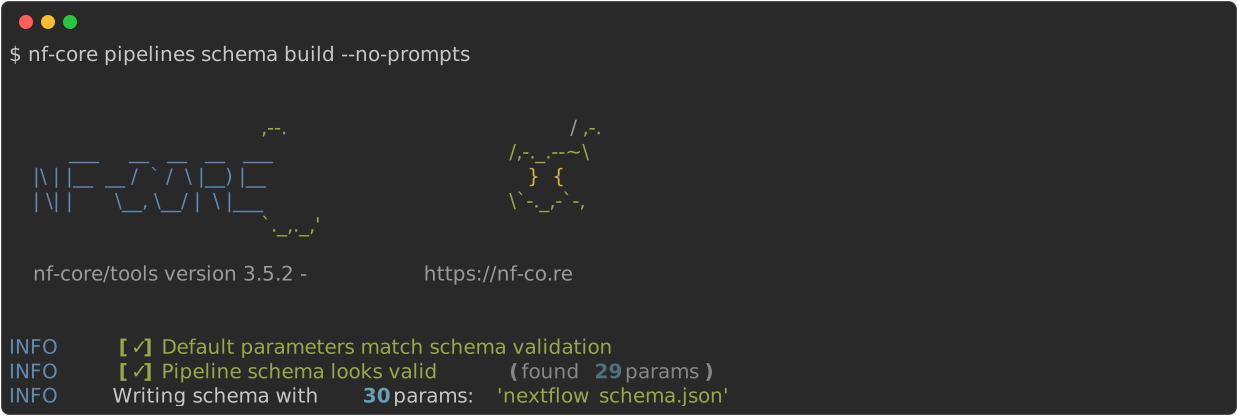
There are four flags that you can use with this command:
--dir <pipeline-dir>: Specify a pipeline directory other than the current working directory--no-prompts: Make changes without prompting for confirmation each time. Does not launch web tool.--web-only: Skips comparison of the schema against the pipeline parameters and only launches the web tool.--url <web-address>: Supply a custom URL for the online tool. Useful when testing locally.
Display the documentation for a pipeline schema
Display the content of your nextflow_schema.json with nf-core pipelines schema docs <pipeline-schema>.
This prints your schema in Markdown format to standard output.
There are four flags that you can use with this command:
--output <filename>: Output filename. Defaults to standard out.--format [markdown|html]: Format to output docs in.--force: Overwrite existing files--columns <columns-list>: CSV list of columns to include in the parameter tables
Add new parameters to the pipeline schema
To add a parameter to the schema, first add the parameter and its default value to the nextflow.config file with the params scope.
Then run nf-core pipelines schema build to add the parameters to your schema and open the graphical interface.
The graphical interface is organised in groups that contain individual parameters.
For a better overview, collapse all groups with the Collapse groups button.
Your new parameters will be the only remaining items at the bottom of the page.
Create a new group with the Add group button or drag and drop the parameters into an existing group.
The group must be expanded first.
The group title displays when you run your pipeline with the --help flag, and its description appears on the parameter page of your pipeline.
Now you can modify the parameter itself.
Define the ID of a new parameter in lowercase letters without whitespaces.
The description is a short explanation about the parameter that appears when you run your pipeline with the --help flag.
Click the dictionary icon to add a longer explanation for the parameter page of your pipeline.
These usually contain a paragraph about parameter settings or data sources like databases or references.
To specify conditions for your parameter (like file extension), click the nut icon to open the settings.
This menu depends on the type you assigned to your parameter.
For integers you can define minimum and maximum values.
For strings you can specify the file extension.
The type field is one of the most important points in your pipeline schema, since it defines the datatype of your input and how it will be interpreted.
This allows extensive testing prior to starting the pipeline.
The basic datatypes for a pipeline schema are:
stringnumberintegerboolean
For the string type, you have three options in the settings (nut icon): enumerated values, pattern, and format.
The enumerated values option allows you to specify a list of specific input values separated by pipes.
The pattern and format settings can depend on each other.
The format must be either a directory or a file path.
Specifying the pattern setting can be efficient and time saving, especially for file paths.
The number and integer types share the same settings.
Like string, there is an enumerated values option plus the ability to specify min and max values.
For boolean, there are no further settings and the default value is usually false.
You can switch the boolean value to true by adding the flag to the command.
This parameter type is often used to skip specific sections of a pipeline.
After filling the schema, click the Finished button in the top right corner to automatically update your nextflow_schema.json.
If this does not work, copy the schema from the graphical interface and paste it into your nextflow_schema.json file.
Update existing pipeline schema
Change the default value of a parameter in the nextflow.config file first, then in the pipeline schema.
The value in the config file overwrites the value in the pipeline schema.
To change any other parameter, use nf-core pipelines schema build --web-only to open the graphical interface without rebuilding the pipeline schema.
The parameters can be changed as mentioned above, but keep in mind that changing the parameter datatype depends on the default value specified in the nextflow.config file.
Linting a pipeline schema
The pipeline schema is linted as part of the main nf-core pipelines lint command.
However, sometimes you need to quickly check the JSONSchema syntax without running a full lint.
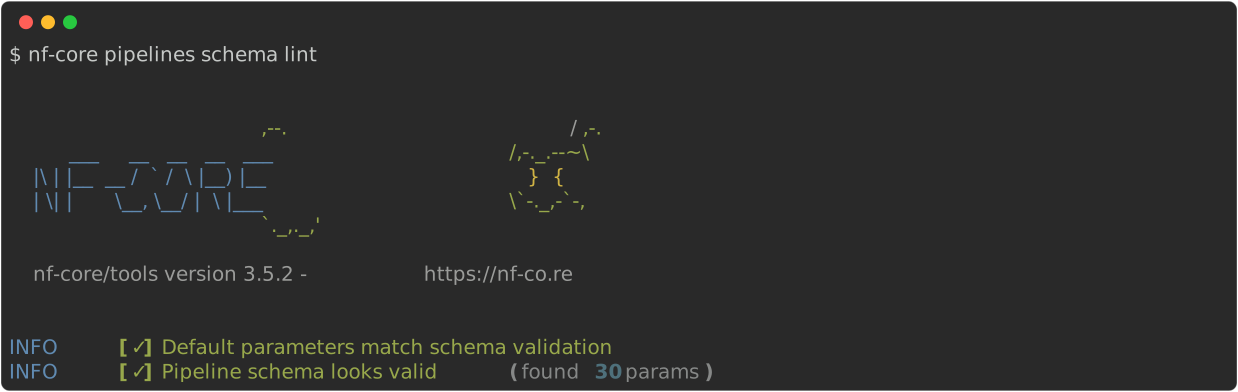
Run nf-core pipelines schema lint <schema> (defaults to nextflow_schema.json), for example: