Launch a pipeline
Some Nextflow pipelines have many command line flags.
The nf-core pipelines launch command helps you manage these parameters.
Choose between a web-based graphical interface or an interactive command-line wizard to enter your pipeline parameters.
Both interfaces show documentation alongside each parameter and validate your inputs.
The tool uses the nextflow_schema.json file from a pipeline to provide parameter descriptions, defaults, and grouping.
If the pipeline has no schema file, one will be generated automatically at runtime.
Nextflow params variables are saved into a JSON file called nf-params.json and used by Nextflow with the -params-file flag.
This makes it easier to reuse your parameters in future runs.
The command takes one argument: either the name of an nf-core pipeline (which will be pulled automatically) or the path to a directory containing a Nextflow pipeline (can be any pipeline, not just nf-core).
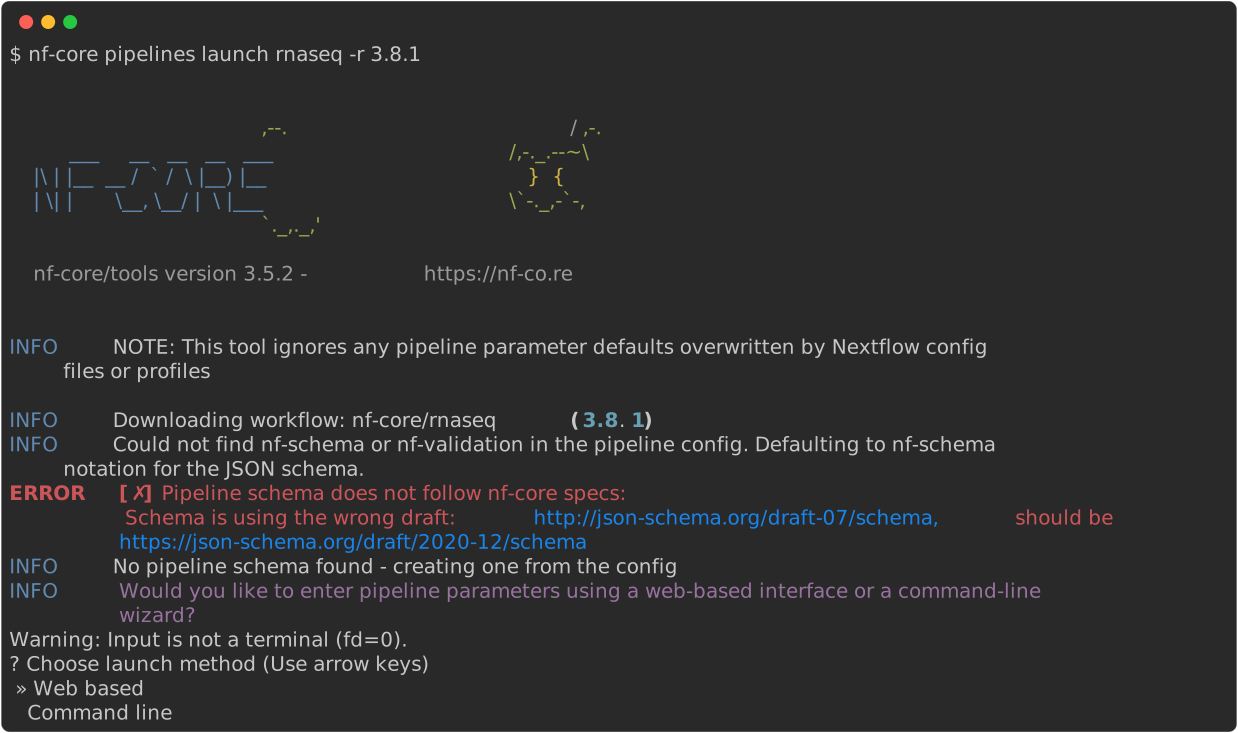
Once complete, the wizard will ask if you want to launch the Nextflow run.
If not, you can copy and paste the Nextflow command with the nf-params.json file.
INFO     [✓] Input parameters look valid
INFO     Nextflow command:
         nextflow run nf-core/rnaseq -params-file "nf-params.json"


Do you want to run this command now?  [y/n]:
Launch tool options
-r,--revision- Specify a pipeline release, branch, or git commit SHA to run
-i,--id- Use the web GUI for nf-core pipelines by clicking Launch on the website. Once filled in, you will receive an ID to retrieve your inputs with this command.
-c,--command-only- Specify all parameters directly in the Nextflow command instead of saving them in a JSON file with
-params-file.
- Specify all parameters directly in the Nextflow command instead of saving them in a JSON file with
-p,--params-in PATH- Supply a
nf-params.jsonfile from a previous run to use those values. This will overwrite the pipeline schema defaults before the wizard launches.
- Supply a
-o,--params-out PATH- Path to save the parameters JSON file. Default:
nf-params.json
- Path to save the parameters JSON file. Default:
-a,--save-all- Save all parameters to the JSON file. By default, the pipeline ignores values that match the schema defaults.
-h,--show-hidden- Show all parameters, including those marked as hidden. Pipeline schemas can hide rarely used or internal parameters.
--url- Change the URL for the graphical interface. Useful for website development work.