Pipeline sync
The main nf-core pipeline template is updated over time. To keep all nf-core pipelines up to date, we synchronise these updates automatically when new versions of nf-core/tools are released.
This works by maintaining a special TEMPLATE branch containing a vanilla copy of the nf-core template with only the variables used when it first ran (name, description, and so on).
This branch is updated and a pull request can be made with just the updates from the main template code.
Pipeline synchronisation happens automatically each time nf-core/tools is released, creating an automated pull request on each pipeline. You do not normally need to run this command yourself.
This command takes a pipeline directory and attempts to run this synchronisation.
Run nf-core pipelines sync, for example:
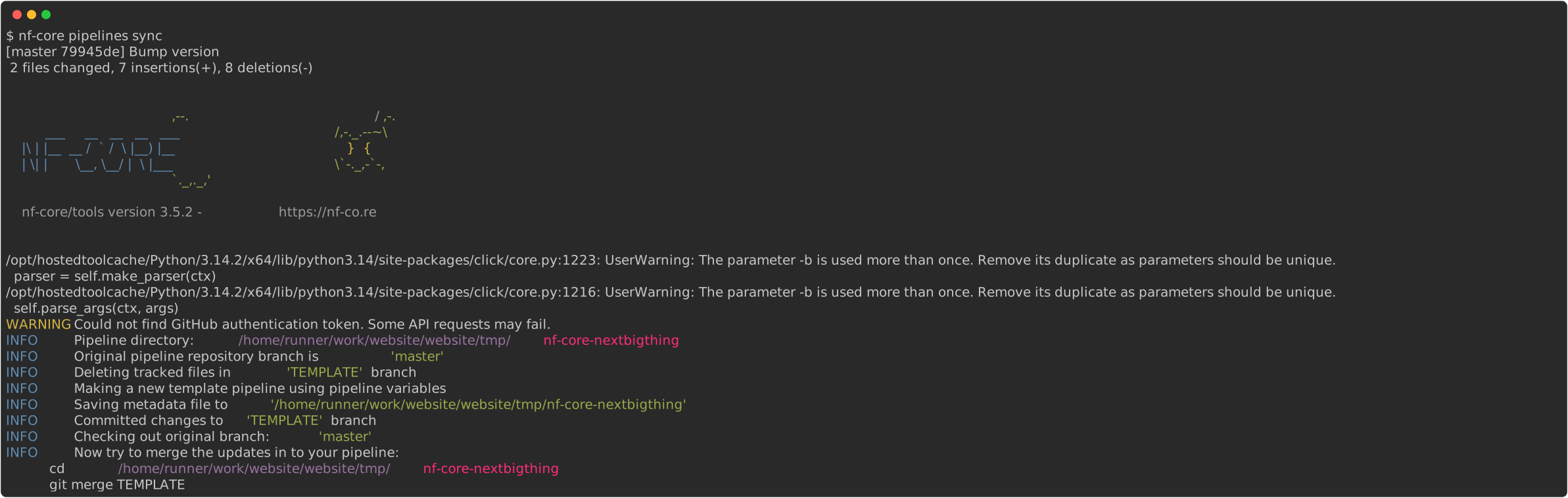
The sync command tries to check out the TEMPLATE branch from the origin remote or an existing local branch called TEMPLATE.
It will fail if it cannot do either.
The nf-core pipelines create command creates this template automatically when you start your pipeline.
See the nf-core website sync documentation if you have difficulties.
To specify a directory other than the current working directory, use --dir <pipeline-dir>.
By default, the tool collects workflow variables from the current branch in your pipeline directory.
Supply the --from-branch flag to specify a different branch.
Use the --pull-request flag to push any changes to the remote and create a pull request using the GitHub API.
The GitHub username and repository name will be fetched from the remote URL (see git remote -v | grep origin), or you can supply them with --username and --github-repository.
To create the pull request, you need a personal access token for API authentication.
Create one at https://github.com/settings/tokens and supply it using the --auth-token flag.